
Make blog cover images and thumbnails with a big title
Type a title, choose a text style, download the image. Add a background photo if you have one, and skip it if you do not.
Free · no sign-up · your images never leave your device
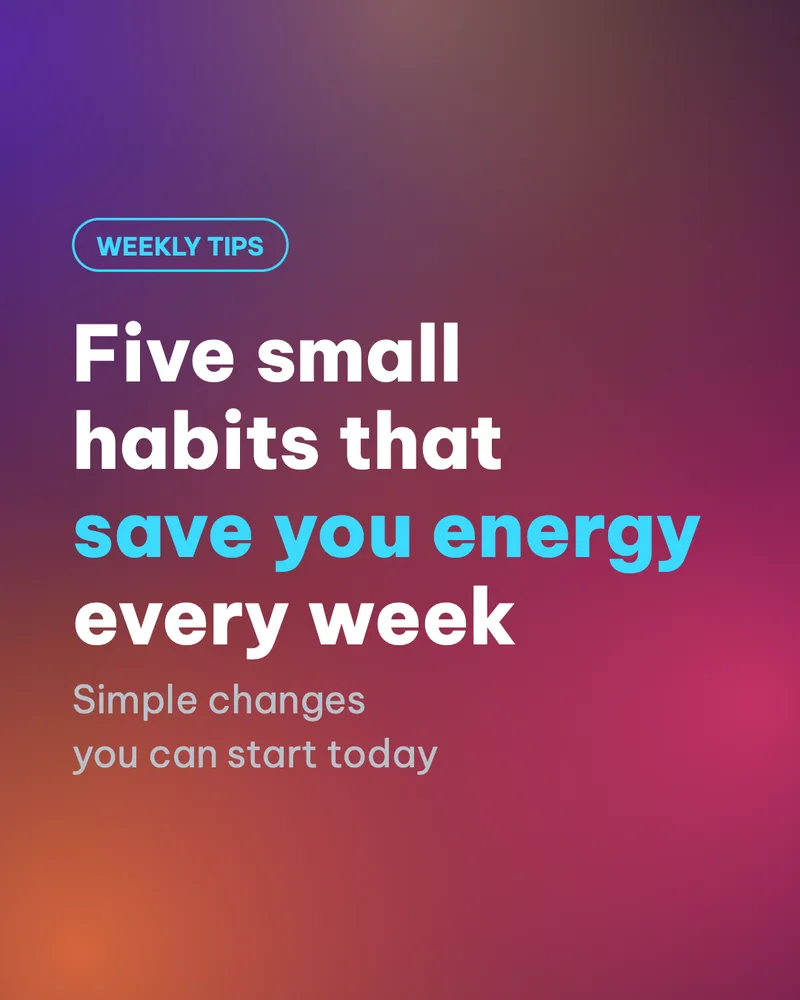
The cover is what people see before they read a single word. A large title that you can read in one second is enough.
Make it in 3 steps
- Type your contentEnter a title, a subtitle and a small label above it.
- Choose a text styleTry the 12 text styles. Add a background image if you like. The image is optional.
- Pick a size and downloadChoose a size for where you will post, then tap Download.
When to use it
- A cover for a blog post, or for a long post on LinkedIn or Facebook.
- A thumbnail for a video or a webinar when you need a clear picture with big text.
- A header image for an email newsletter or a community post.
Tips for content creators
- Link previews on Facebook are 1200x630 and on LinkedIn 1200x627. Use the Link size, 1200x628, for both.
- Video thumbnails and wide images: Wide 16:9, 1920x1080. X: 1600x900.
- Keep the title under 8 words. A longer title shrinks and gets hard to read when the image is small.
- Use the small label (for example Tip or Guide) so people know what kind of content it is.
- Shrink the image to thumbnail size on your phone. If you can still read it, it works.
Common mistakes
- A title that is too long, so the text gets small and hard to read when the image shrinks.
- Text and background in the same tone, which leaves little contrast. Pick another text style or change the background.
- A very detailed background photo right behind the text. Blur the photo or pick a simple background.
Handy while you work
- Hit Copy to put the image on your clipboard, then paste it straight into a post or a message.
- Made a mistake? Undo it. Switch between Light and Dark with the button at the top.
- Posting in several places? Export several sizes at once (square, 4:5, story, wide, link) in one ZIP file.
- Add ShotStage to your Home Screen to open it like an app, even on a weak connection.
Frequently asked questions
Do I have to use a background image?
No. This type works with a colored background and text alone.
How many text styles are there?
12. You can switch between them without losing what you typed.
Can I use it for a blog cover?
Yes. Choose the Link size, 1200x628, so it displays well when the link is shared.
Is the exported image high quality?
You can export PNG or JPG and choose the compression when you download.