
Make an Instagram carousel on your phone, free
Pick your images or just type text. ShotStage builds the slides with page numbers and a background that flows from one slide to the next, then saves the whole set as one ZIP.
Free · no sign-up · your images never leave your device
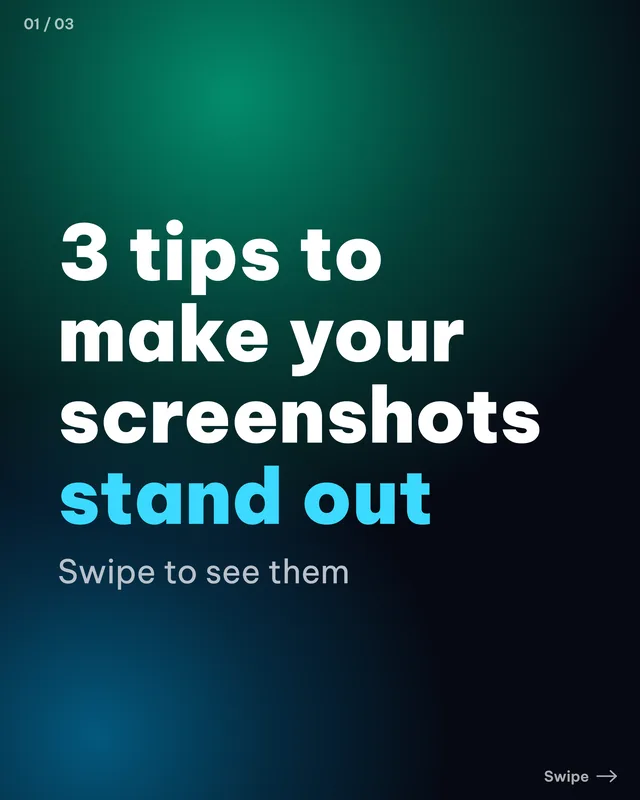
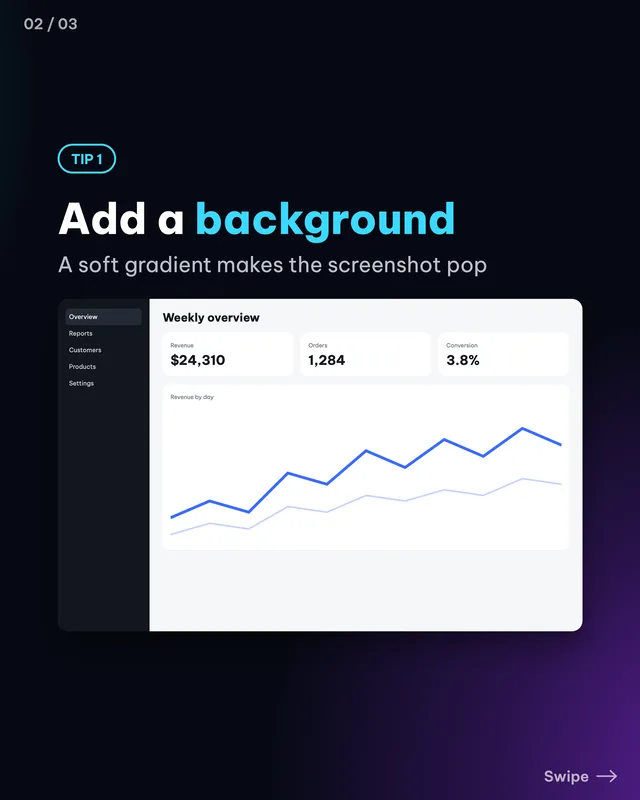
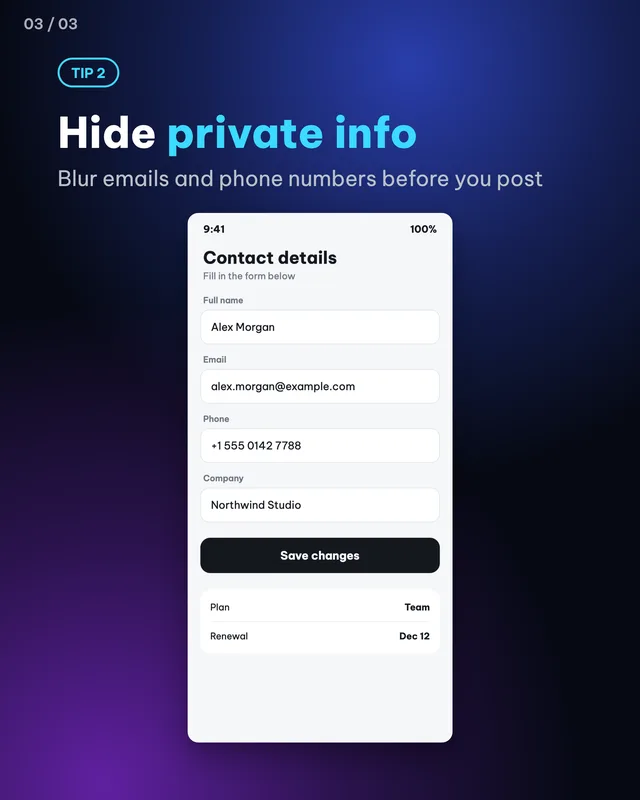
A carousel keeps people on your post longer than a single image, because they have to swipe. The hard part is keeping the slides consistent. ShotStage takes care of that.
Make it in 3 steps
- Add images or start from textPick several images at once and each becomes a slide. With no images, ShotStage creates text-only slides for you.
- Edit the text on each slideChoose one of 12 text styles and type a headline and a subtitle for each slide. Page numbers and the swipe hint are added for you.
- Export the whole setOpen the Export tab and download everything as one ZIP, or save the slides one by one.
When to use it
- Step-by-step tutorials: one step per slide, and a last slide that asks people to save the post or follow you.
- Tips and lists: one tip per slide, so people swipe to read them all.
- A short story with a beginning, a middle and an end, or a series of connected posts on one topic.
Tips for content creators
- Instagram allows up to 20 images per carousel. ShotStage makes up to 10 slides, which is enough for most posts.
- Keep every slide the same ratio. Portrait 4:5 (1080x1350) takes the most room in the feed.
- The first slide decides whether people swipe: a short headline, one idea.
- One idea per slide. Make the text large enough to read when the image is small on a phone.
- Facebook and LinkedIn also accept several images in one post, so you can reuse the same set.
Common mistakes
- Cramming too much text into one slide. Split it up, one idea each.
- A first slide with no reason to keep swiping. Say what people will get in the next slides.
- Mixing several aspect ratios in one post. Keep the same size on every slide.
Handy while you work
- Hit Copy to put the image on your clipboard, then paste it straight into a post or a message.
- Made a mistake? Undo it. Switch between Light and Dark with the button at the top.
- Posting in several places? Export several sizes at once (square, 4:5, story, wide, link) in one ZIP file.
- Add ShotStage to your Home Screen to open it like an app, even on a weak connection.
Frequently asked questions
How many slides can I make?
Up to 10 slides per carousel in ShotStage.
How do I save all the images at once?
In the Export tab, choose the ZIP download. Every slide is in one file, named in order.
Does the background connect across slides?
Yes. Turn on the seamless background and one background runs across all the slides as people swipe.
Can I make one without any images?
Yes. You only need text, and ShotStage builds the slides from the text styles.
Which size should I choose?
Portrait 4:5, 1080x1350, for Instagram. The same size works well for Facebook and LinkedIn.