
Make quote images to share on social media
Type a quote and an author name, choose a font, download the image. No background image needed.
Free · no sign-up · your images never leave your device
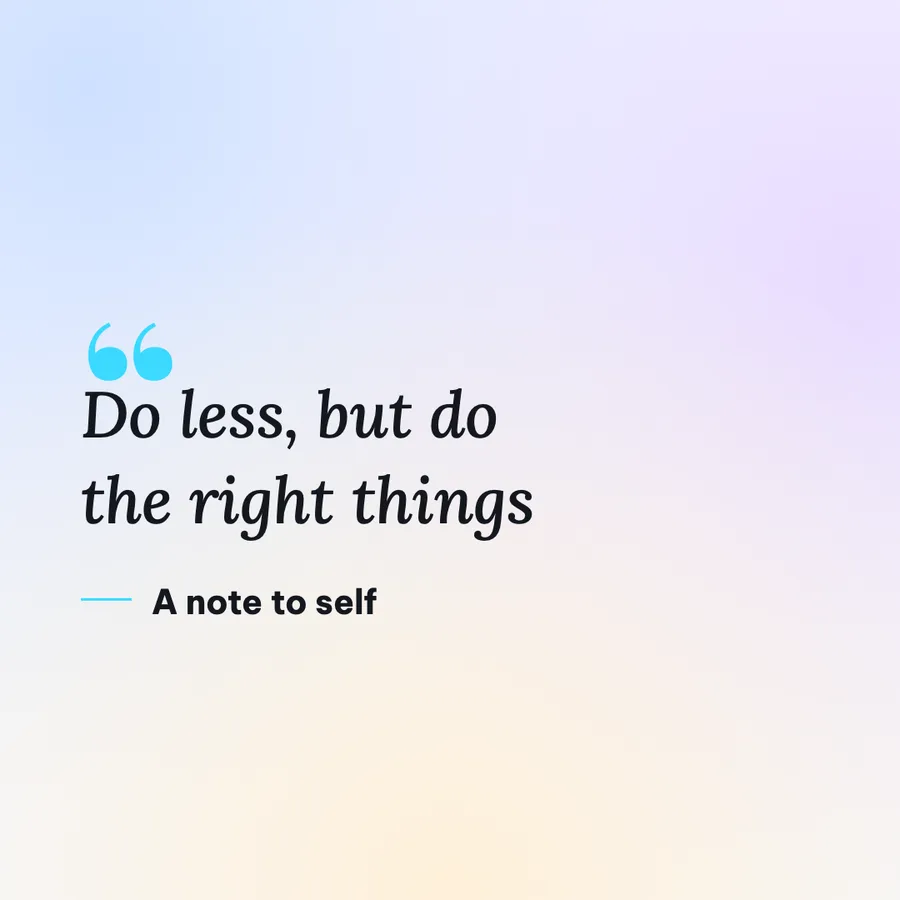
A short line on a clean background is quick to read and easy to share. A serif font gives the words some weight.
Make it in 3 steps
- Type the quote and the authorEnter the quote and the name of the person who said it. The author name can be left empty.
- Choose the fontPick a serif font or another style, and adjust the size to the length of the quote.
- Pick a size and downloadSquare for most feeds, Portrait 4:5 for Instagram.
When to use it
- Post a good idea pulled from your own article or video.
- Share what a customer said, with their permission.
- Open a topic in a community with a question or a line.
Tips for content creators
- A quote under 15 words can use large type and reads fast. A longer one is better as a carousel.
- Square 1080x1080 for most feeds. Instagram feed: 1080x1350. Story: 1080x1920.
- Credit the right author. Use only quotes you can source, and do not attribute lines to famous people without a source.
- For your own words, add your name or your channel name so people know who said it.
- Add your channel name as a mark in the corner, so the image keeps your name when it is shared.
Common mistakes
- A quote that is too long, so the text shrinks. Shorten it or split it into several images.
- Forgetting the author, so people do not know who said it. Add the name underneath.
- A decorative font that is hard to read. Prefer a clear serif font.
Handy while you work
- Hit Copy to put the image on your clipboard, then paste it straight into a post or a message.
- Made a mistake? Undo it. Switch between Light and Dark with the button at the top.
- Posting in several places? Export several sizes at once (square, 4:5, story, wide, link) in one ZIP file.
- Add ShotStage to your Home Screen to open it like an app, even on a weak connection.
Frequently asked questions
Do I need a background image?
No. This type only needs text.
Which font should I choose?
There is a serif font and other styles. Try a few with your quote to see which one reads best.
Can I add my channel name to the image?
Yes. Turn on the text or logo mark in the corner of the image.
Does it cost anything?
No. It is free and needs no account.